
Autonomy, with limits.
Agents that run for an hour on their own need limits that don't depend on them behaving. Worca sets those limits outside the agent: on every spawn, around the whole process, and away from the keys.
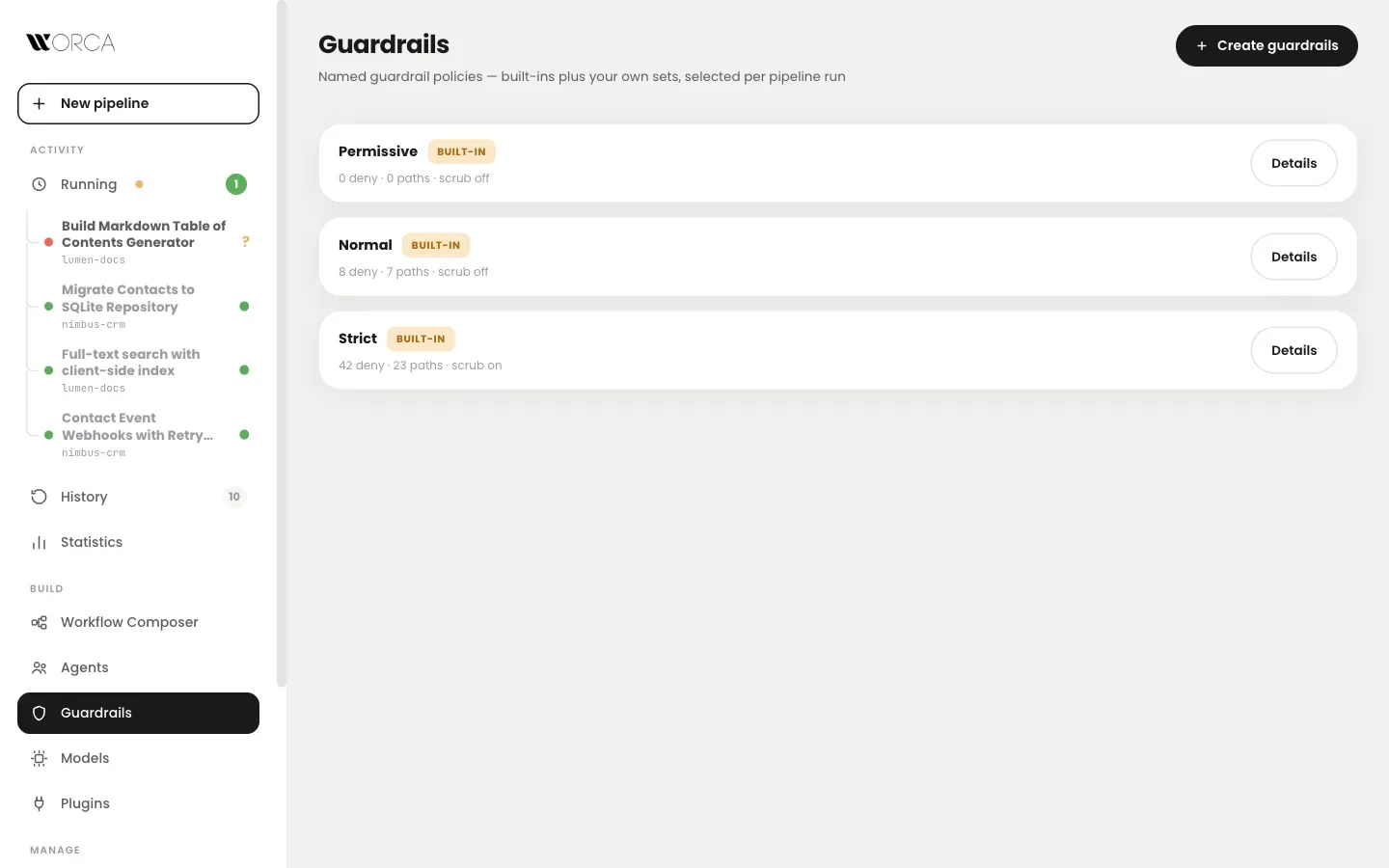
Pick the limits
per run.
Named policy sets, selected per run. Policies compile to hard permission denies on every agent spawn, and settings in the repo can't undo them.
Let agents move fast in sandboxes and throwaway projects.
Protects credential files and blocks publication commands.
Adds environment scrub on spawn, network-egress and cloud-CLI denies, and home-dir credential protection.
Don't give agents
your whole laptop.
Worca and every agent it starts can run inside a disposable Linux container. One command sets it up. Your projects are mounted; your home folder is not. Signed images for Intel and Apple silicon.
# writes the compose files and starts the box
$ worca container up
# log Claude Code in, once
$ worca container login
$ worca container run -- --project ~/dev/api \
    --prompt "Add a /search endpoint"
The same UI, CLI, guardrails and plugins, on http://localhost:4317. Docker Desktop, Docker Engine or Podman.
Add-ons you can stack with --with
Agents never hold
a model key.
An agent that can read $ANTHROPIC_API_KEY can leak it, and so can a prompt injection in an issue or a web page. With the key service, keys live in a separate container. Each agent holds a pass that only works inside Worca, and only while its process lives.
On a shared Worca it also splits costs per person. Everyone pays with their own key →
Agents can't kill
the host.
An implementer tidying up test servers once matched the production command line and killed the server running it. Now every spawn carries a hook that denies process-wide kills, the host's process id in its environment, and a preamble that names both.
What the hook says
- ⌘macOS, Linux and WindowsThe same rules on every platform.
- ≡Spawn diagnosticsA setting logs the binary, arguments and routing of each spawn, with no restart.
- ↻One UI per machineTwo instances would fight over runs, so a second start points you at the running one.
Nothing installs
without your say.
Plugins add task sources, agents, scripts, skills, workflows, models and chat channels. Each install shows what it adds first: which forms an agent can show and which file types they display, which secrets it needs, which setup commands run.
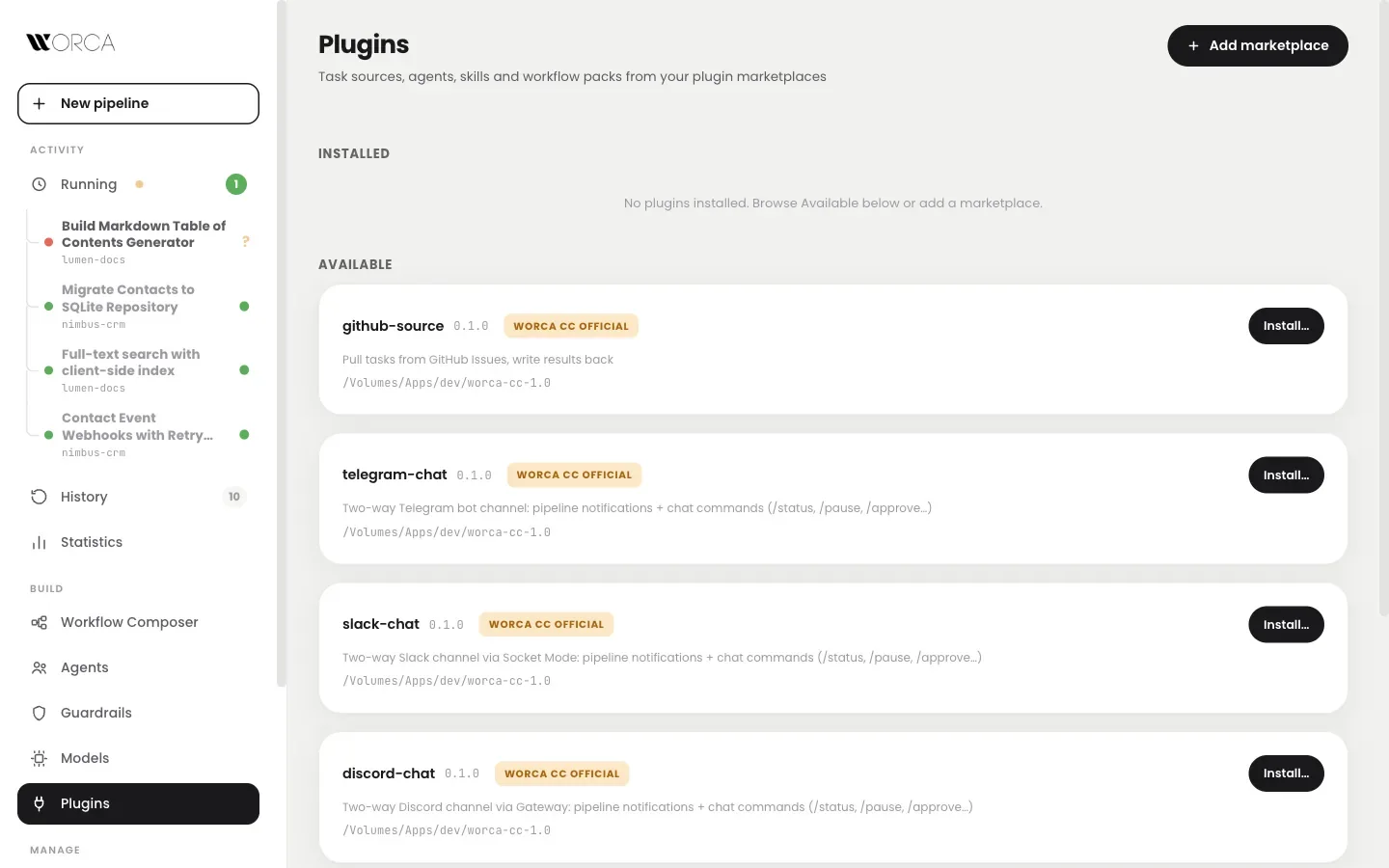
- ✓An explicit consent stepWhat is installed, what it can show you, what it runs.
- ±Updates show their commitsA commit-level preview before you accept an update.
- ⚇Required by the team, still your clickA team policy can require a plugin; it's offered in a checklist, never installed silently.
Your checkout
stays clean.
Ship work you
didn't babysit.
One npm install on macOS, Linux or Windows. Or a container, or a shared server for the team.